Tumble Rush
An action-packed marble maze that you control by tilting your phone!
Overview
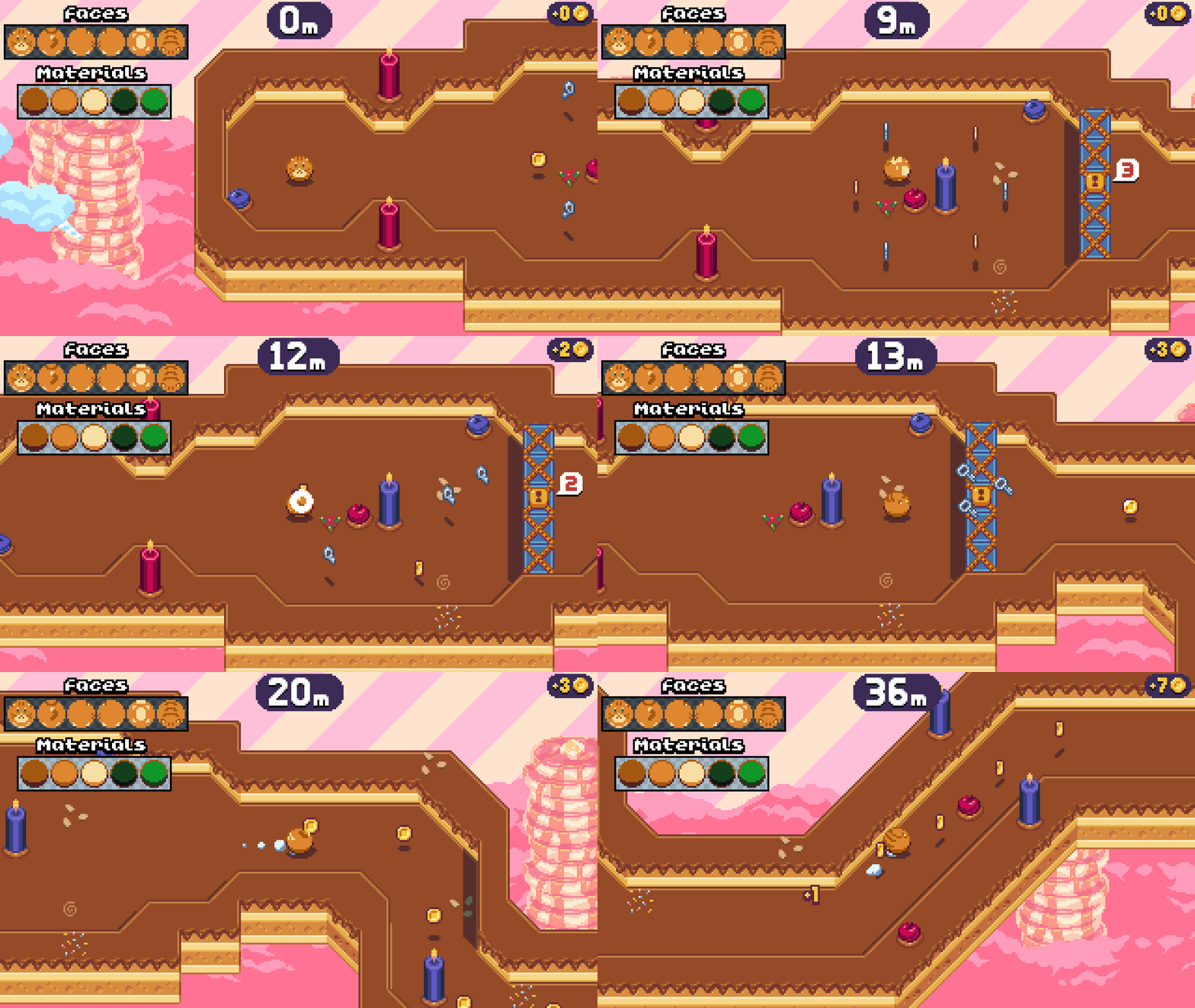
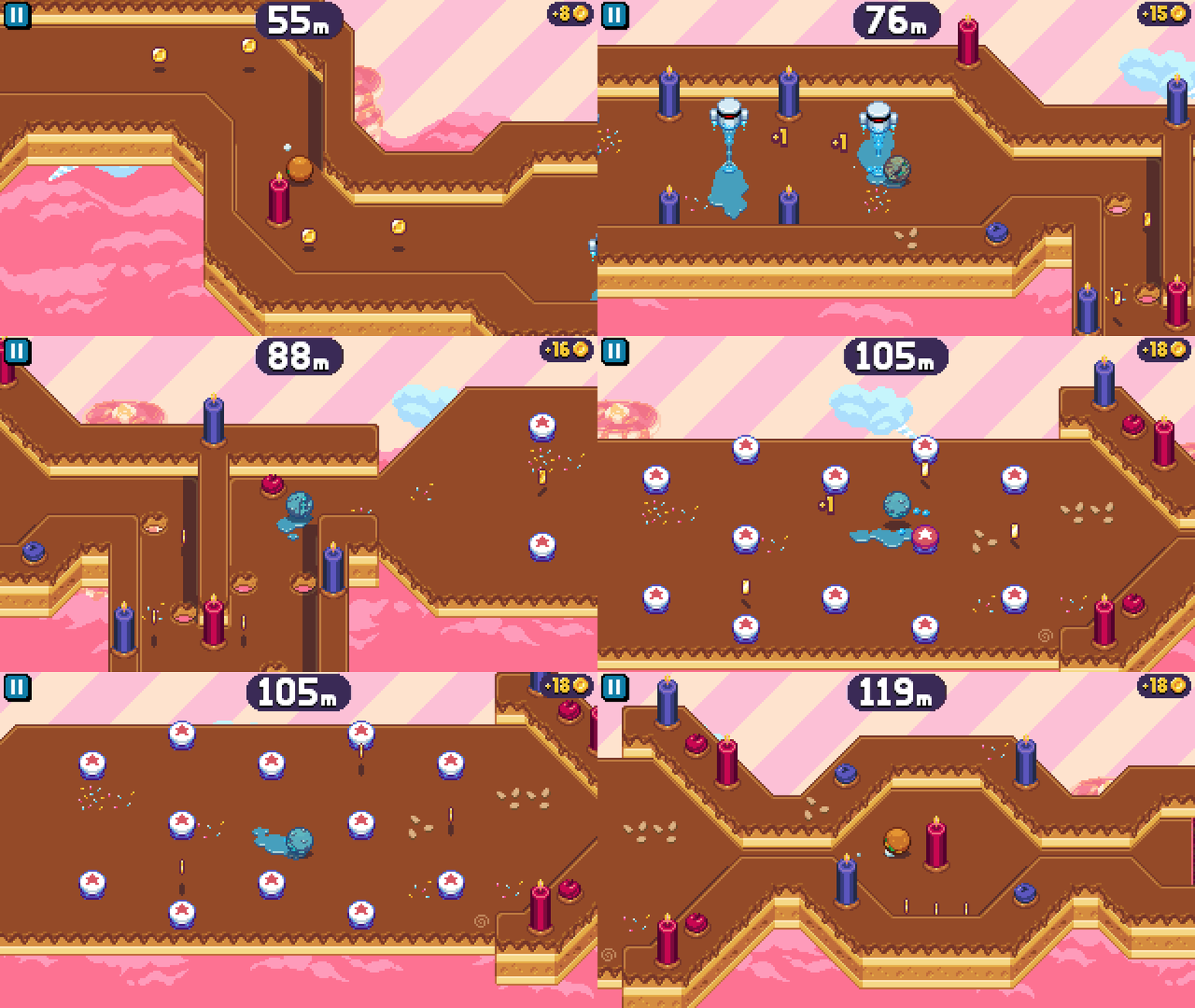
Tumble Rush is a free-to-play mobile game in which you tilt your phone to roll around, dodge traps, collect coins, and unlock a cast of cute, collectible characters along the way!
Originally a side project, I decided to bring Tumble Rush to a full commercial release under the label of my newly-founded studio, Juvenile Pursuits Inc. Along the way, Tumble Rush caught the eyes of SMG Studio and Nitrome, who helped me to pitch the project to Apple Arcade and Netflix respectively. Although we weren't able to land a deal, I learned a lot in the process, and was particularly honored to work with Nitrome, whose games served as a major inspiration for Tumble Rush!
Tumble Rush has been downloaded over 25,000 times and has an average rating of 4.7 stars, and was featured as an Editor's Choice on the App Store.
As a largely solo project, I worked on just about every aspect of Tumble Rush. Below, you'll find a few programming-related highlights.
Links
Player Controls & Physics
In Tumble Rush, you tilt your phone to roll your character around, similar to a physical marble maze. This intentionally imprecise control scheme lends itself to frenetic, physics-driven gameplay, but it was important to me that the physics still feel intuitive, controllable, and snappy.
To that end, I sidestepped Unity's physics engine entirely and wrote my own ball physics system. Here are a few tricks I pulled to get things feeling right:
- Tilting affects the ball's acceleration as you'd expect, but also its "target" speed, making it easier to control. Unlike a real ball, it will come to a quick stop at neutral tilt, and a slight tilt allows you to inch along slowly instead of constantly accelerating.
- Tilting doesn't affect the target velocity linearly. There are plateaus around zero and the halfway mark, making it easier to stay still or maintain a steady speed, even if your hands are shaky.
- The ball's acceleration is much higher when tilting away from its current velocity. Effectively, the ball has "brakes," letting the player stop faster when they need to. It even kicks up some little dust clouds if you brake at high speeds!
- When the ball is coated in slippery goo, we run the physics sim with lower friction to move the ball, then run it a second time with normal friction to rotate the ball. This helps to communicate that the player's input is still being received and adds to the slippery visual effect.
- For those who can't tilt their phone (or are just playing during a bumpy bus ride), I also two added alternative touch-based control schemes. These not only made the game more accessible, but also just turned out to be a more comfortable option for some players.
Level Editor
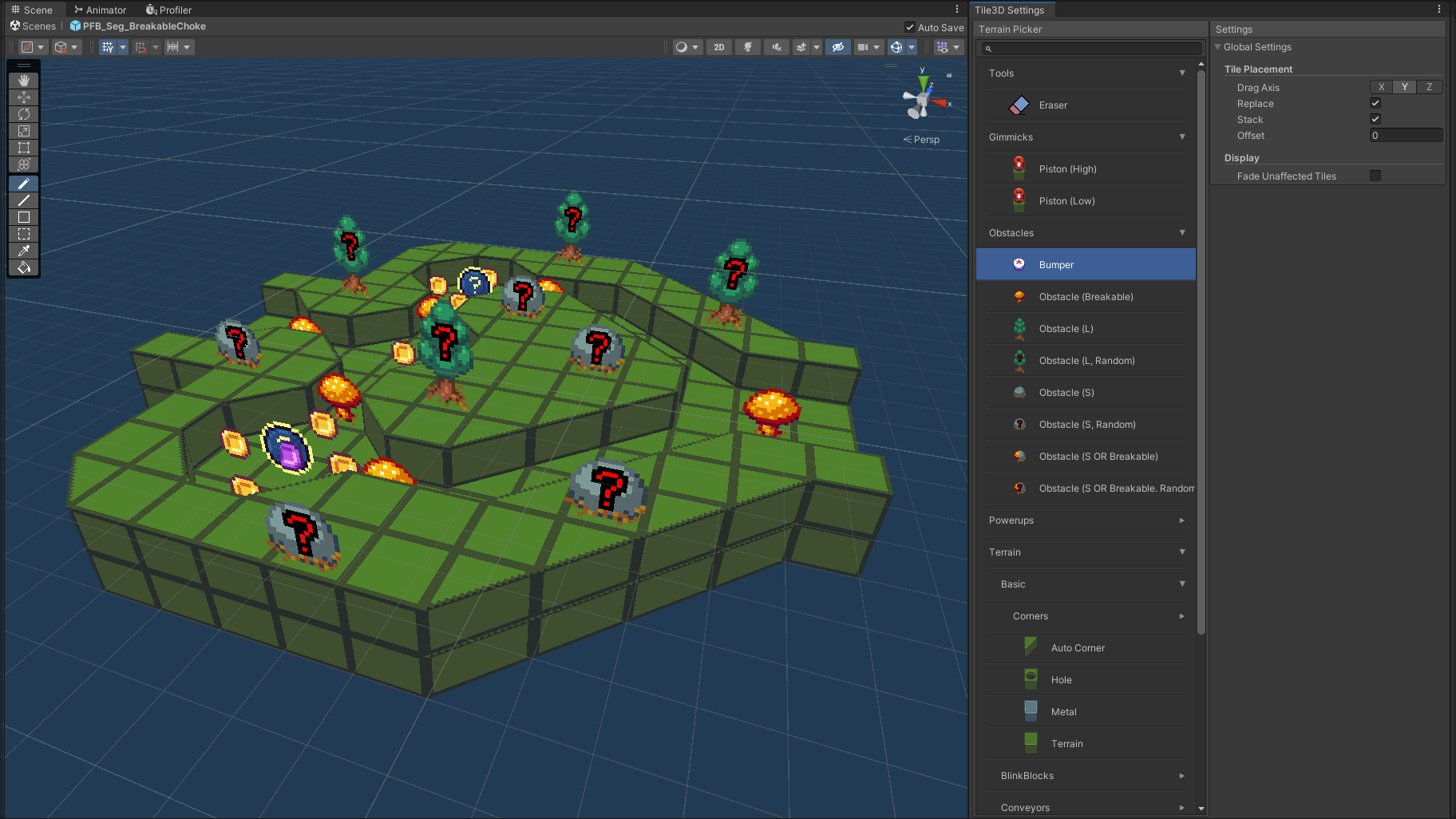
Levels in Tumble Rush are procedurally generated by piecing together pre-built "segments," which range from simple runways to platforming challenges and puzzles. I knew I would need to create a lot of these, so I programmed a custom editor to help me build and iterate on segments as quickly as possible. The custom editor let me:
- Work with simple, tile-based 3D terrain, then automatically generate collision geometry and final tiled art with one click.
- Place angled corner pieces that automatically align themselves to the adjacent edges instead of manually picking the correct orientation each time.
- Painlessly make big changes to segments using custom tools like marquee-based cut and paste, line drawing, and flood fill.
- Easily stack up or cut holes into layers of 3D terrain using raycasting (as opposed to Unity's standard 3D tiling tools, which require manually setting the layer you want to edit).
- Add randomized elements within a single segment, allowing it to be reused more often in-game without getting stale.
Character Tech Art Tricks
Tumble Rush is all about collecting new characters, so I needed to produce a lot of them. Everything else in the game is hand-drawn pixel art, so I wanted the characters to have the same pleasantly chunky feel. However, this presented a problem: if characters can roll in any direction, the number of frames of animation multiplied by the number of characters would quickly grow out of control.
To solve this, I came up with an art pipeline that let me combine hand-drawn pixel art with the perks of modern 3D rendering:
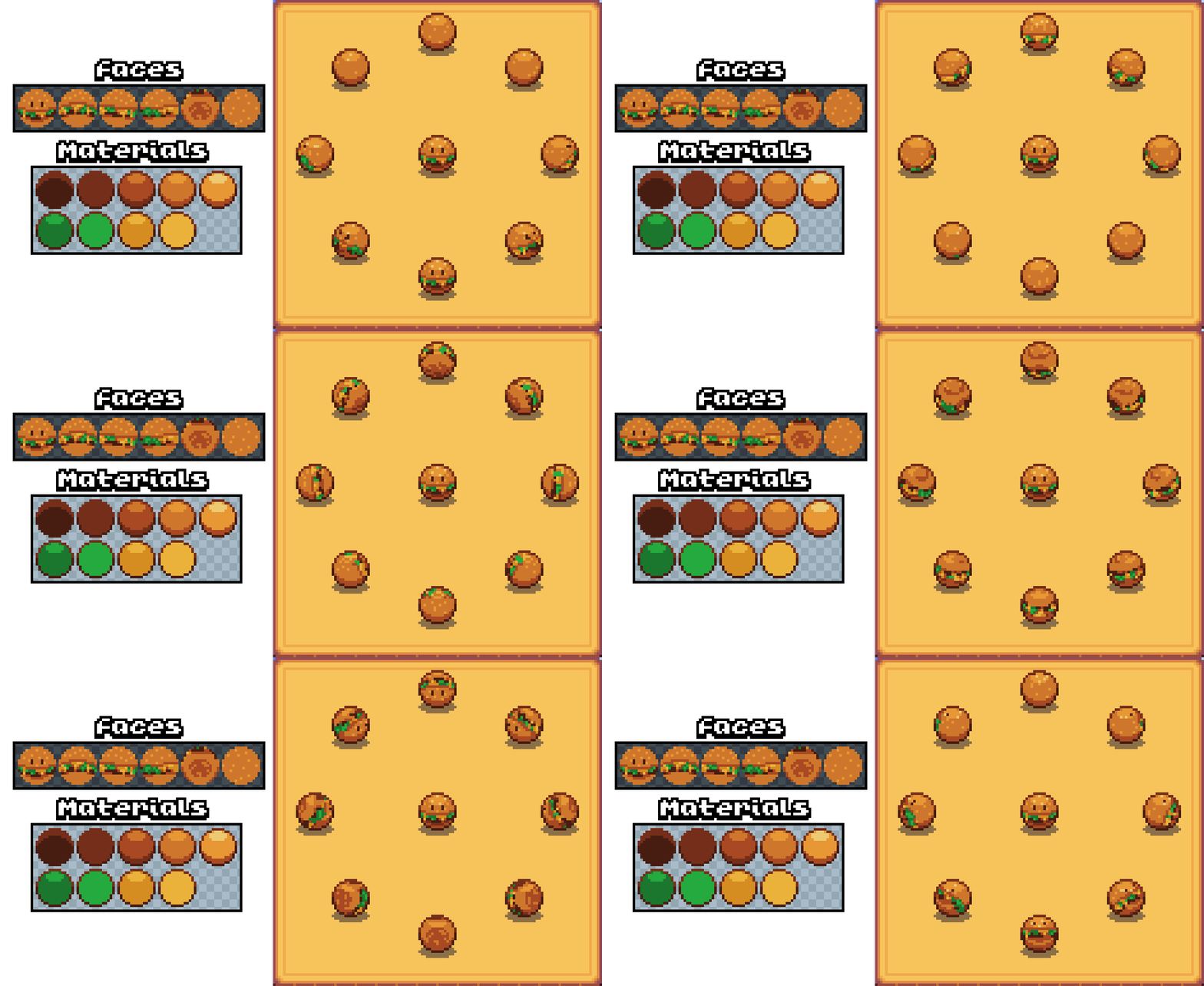
- I draw 15x15 "face" sprites of the character using flat, indexed colors as viewed from six angles: top, bottom, left, right, front, and back. These sprites will be rotated around the ball in-game, but give me direct control over how the ball will look from specific angles.
- Each color index in the sprite corresponds to a "material," which is a 15x15 sprite of a shaded ball as seen from the camera's perspective. Unlike the "faces," these won't rotate, giving me control over the color, shading, and outline of each material regardless of the character's angle.
- I blow all of these sprites up to 8 times their original size using the Scale2X algorithm, which rounds out the shapes of the pixel clusters. These blown-up sprites will be applied to the ball before rotating it; when scaled back down, the smoother shapes produce fewer stray pixels and other rotation artifacts. I based this approach on the RotSprite algorithm.
- Instead of typical UV mapping, I use a custom shader to draw the face sprite that will create the least camera distortion at each pixel. For example, if the ball is facing 45 degrees downward from the camera, the shader will use the front face for the lower half, and the top face for the upper half. This lets us arbitrarily rotate the ball while preserving the hand-placed pixels as much as possible.
- I lock the ball's rotation in-game so that it rotates in 8 possible directions, and always in 22.5° (1/16th of a turn) increments. This keeps the "snappy" feeling of hand animation, as if there was an 8x16 sprite sheet of all the possible angles.
The end result is that a character only requires a handful of new sprites, but can be rotated to any angle in-game while still keeping a hand-pixelled feel. As an added bonus, this approach let me add unique effects to rare characters by adding a few frames of animation to their material sheets — it looks very fancy without taking much extra effort!